en
en italiano
 čeština
 Deutsch
 français
 hrvatski
 magyar
 polski
 српски
 русский
 中文
中文 中文
中文 한국어
한국어 español
PointCloud

Ribbon: Insert > Pointcloud >Pointcloud attach
Menu: Insert > Pointclouds
Command: POINTCLOUDATTACH
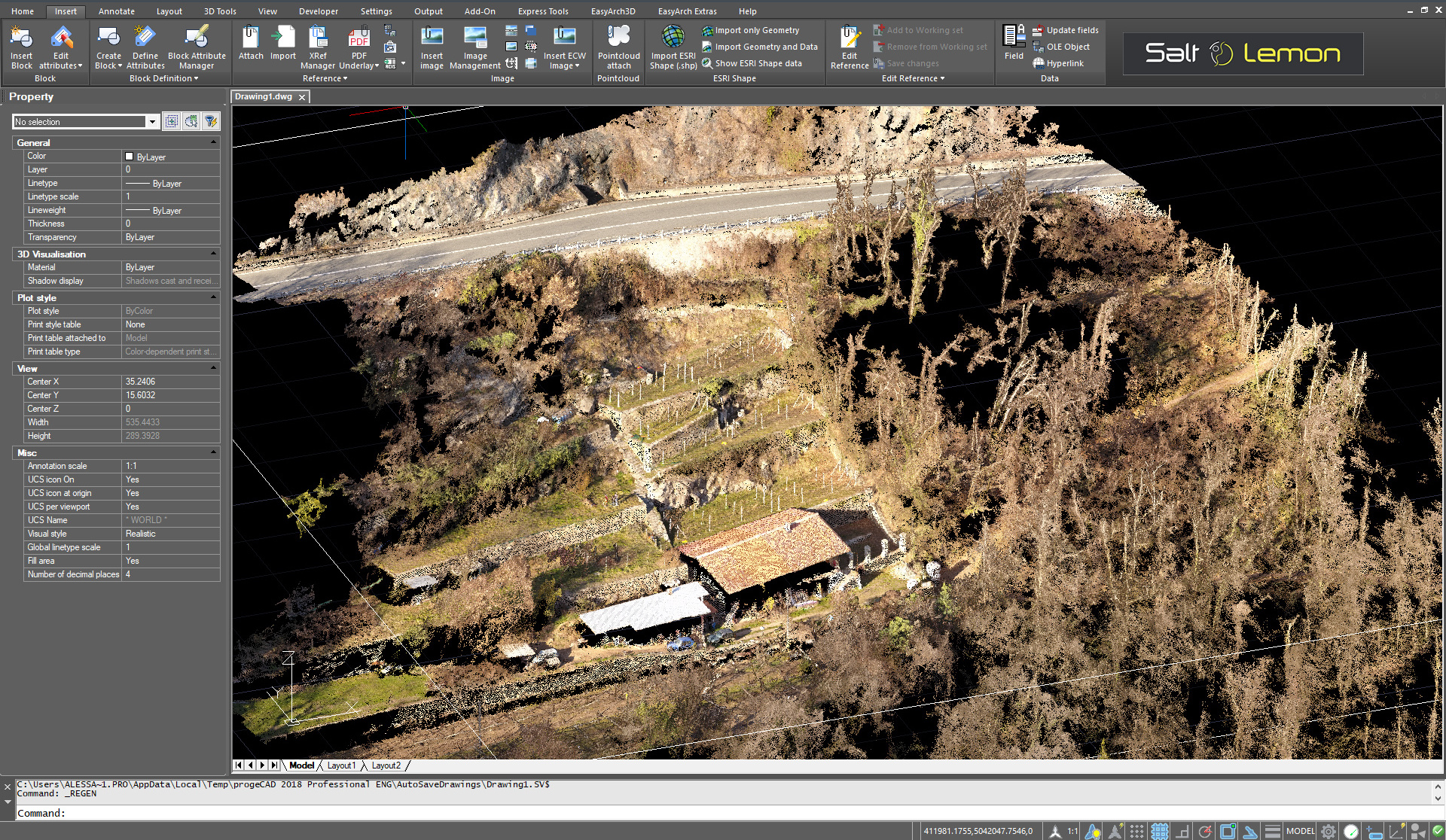
Allows you to attach a pointcloud file as an underlay to the current drawing. A point cloud is a set of 3D vertices that represents the surface of an entity in three dimensions. Point cloud files are typically created by 3D-scanners.
The supported file formats are .pcg, .rcp, .rcs, XYZ, PLY and
LAS.
How to attach a PointCloud file:
- Run POINTCLOUDATTACH command.
- Select your PointCloud file.
- Insert the PointCloud by choosing the insertion point, the scale and the rotation.
NOTE: These elements are available only for the visualization for now.
By using the POINTCLOUDCLIPFRAME variable you can hide the related frame (not implemented yet).